Email token verification for administrators without SSO
For security reasons, people with the Administration role who do not log in with an SSO account must also verify themselves with an OTP token when logging in.
What is an OTP token?
A one-time password (OTP) token is a single-use code that is only valid for a short time. In addition to your password, it confirms that it really is you logging in. This ensures that only authorised people can access confidential data, even if a password falls into the wrong hands.
Token verification process
-
Start logging in
Log in as usual with your client number, your login name and your password. -
Token prompt
Once you have entered your password correctly, you are asked to confirm the login with a token.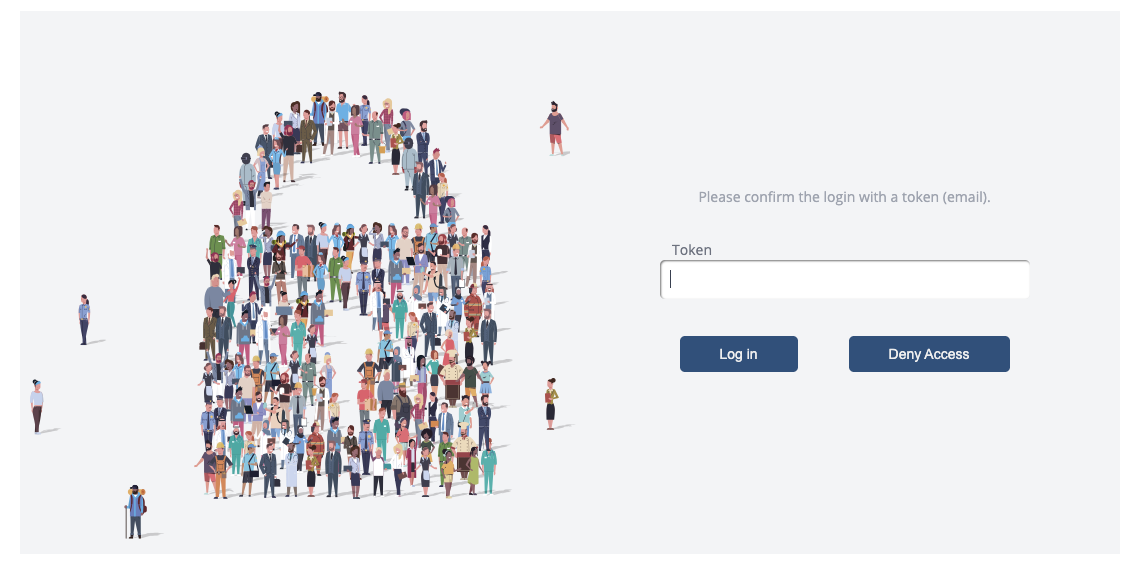
-
Receive the token by email
You receive an email containing a token with limited validity at the email address stored in your account.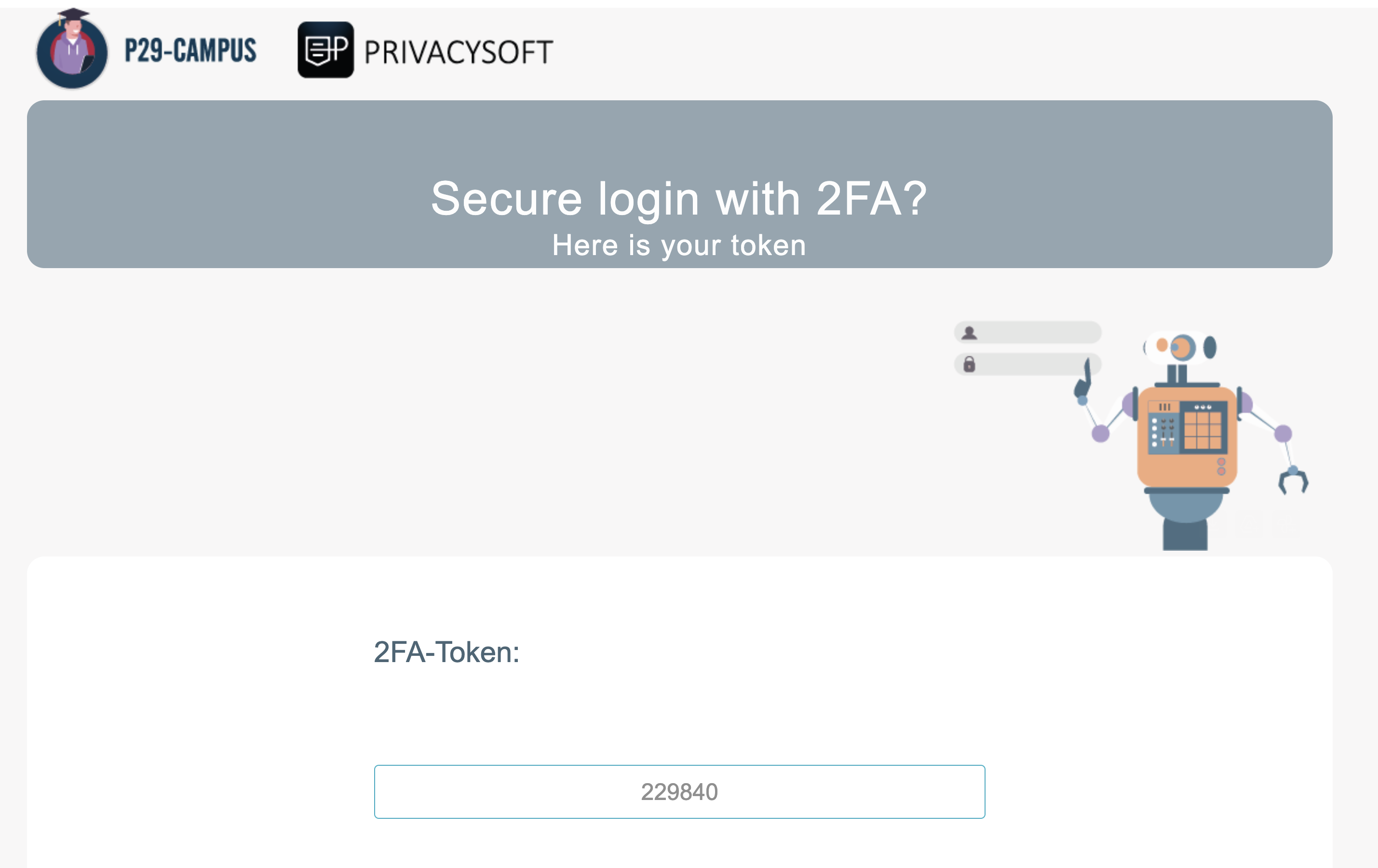
Note
- It can take up to 5 minutes for the token to be sent, although it usually arrives sooner.
- If no email arrives after a while, please check your spam folder.
- Your IT department may need to allow our domain privacysoft.online.
-
Enter and confirm the token
Enter the token in the Token field and click on Log in. Only then is access fully enabled.
Token validity and expiry
- An OTP token is valid for 15 minutes.
- No new token can be requested within these 15 minutes.
- If you enter an expired token, you will see a message to that effect and a new token will be sent to you automatically.